Make design inspiration truly usable in your work.
Musebox helps creators collect the web interfaces they like, understand the design rules behind them, and turn those insights into structured context that AI Coding tools can work with.
PRODUCT OWNER AND BUILDER · PRODUCT STRATEGY / UX/UI / DEVELOPMENT
You know what you like —but can you explain it to AI?
You have saved many interfaces you like, yet it is hard to describe the design logic behind them precisely. AI-generated pages look close, but often drift from what you expected in layout, information hierarchy, and visual detail.
And every time you start a new page, you have to explain your design preferences all over again.
The missing layer between design inspiration and real implementation.
A screenshot can preserve how a design looks, but it cannot fully explain the decisions behind it, and it is even harder to carry that information into the next build.
Based on that problem, I built Musebox: so visual inspiration no longer stops at an image collection, but becomes structured, reusable Design Memory.
By connecting human visual preference with the Design Intent Layer that AI can implement, design can be understood and genuinely used in later work.
Design intent layer · conceptual structure
More than a screenshot collection.
Collect the interfaces that inspire you — from full pages down to individual sections and components — and keep the ones worth learning from.
Through a searchable Design Memory Library, scattered visual references become an ordered record that can keep contributing to later work.
Capture from pages
Save complete pages, sections, and components, keeping the sources worth referring back to.
Organise
Use search, categories, and filters to build a personal design memory you can return to.
Keep reusing
Let references move beyond collecting and become design information you can use in the next piece of work.
See the thinking behind the design.
Beyond the visual result of a page, Musebox brings the original Visual Reference together with the Design Inspector, linking page sections to their typography, colour, layout, spacing, component structure, and design rules.
When you can see where a design rule comes from, you are far more likely to truly understand it.
By keeping a real connection between the visual and the rules, structured information retains its original visual context.
Keep design rules connected to their visual context.
When designing the Detail page I held to one principle: design rules should never lose their original visual context. So I used a parallel two-column structure that pairs a selected page section with the rules that describe it, making it much easier to understand the design you are looking at — and which parts of it are worth reusing.
Turn design understanding into real action.
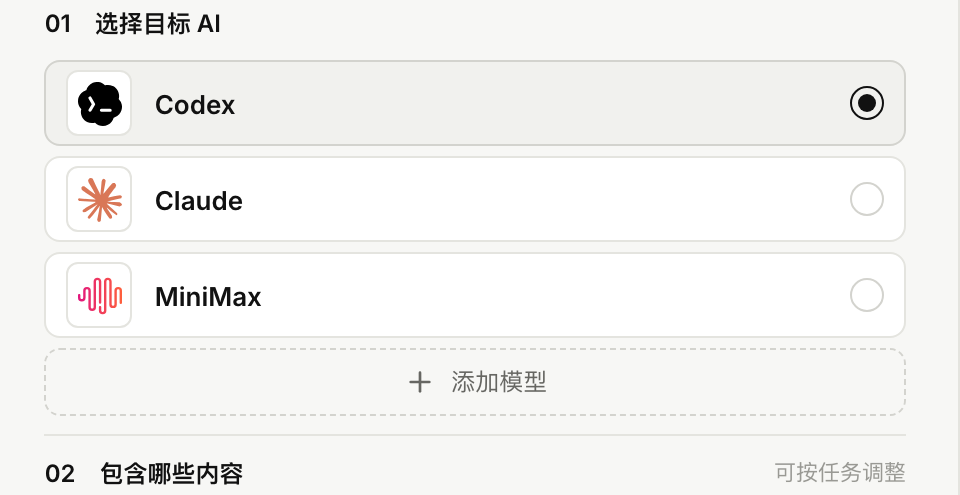
Choose a saved design reference and the AI Coding tool you plan to use.
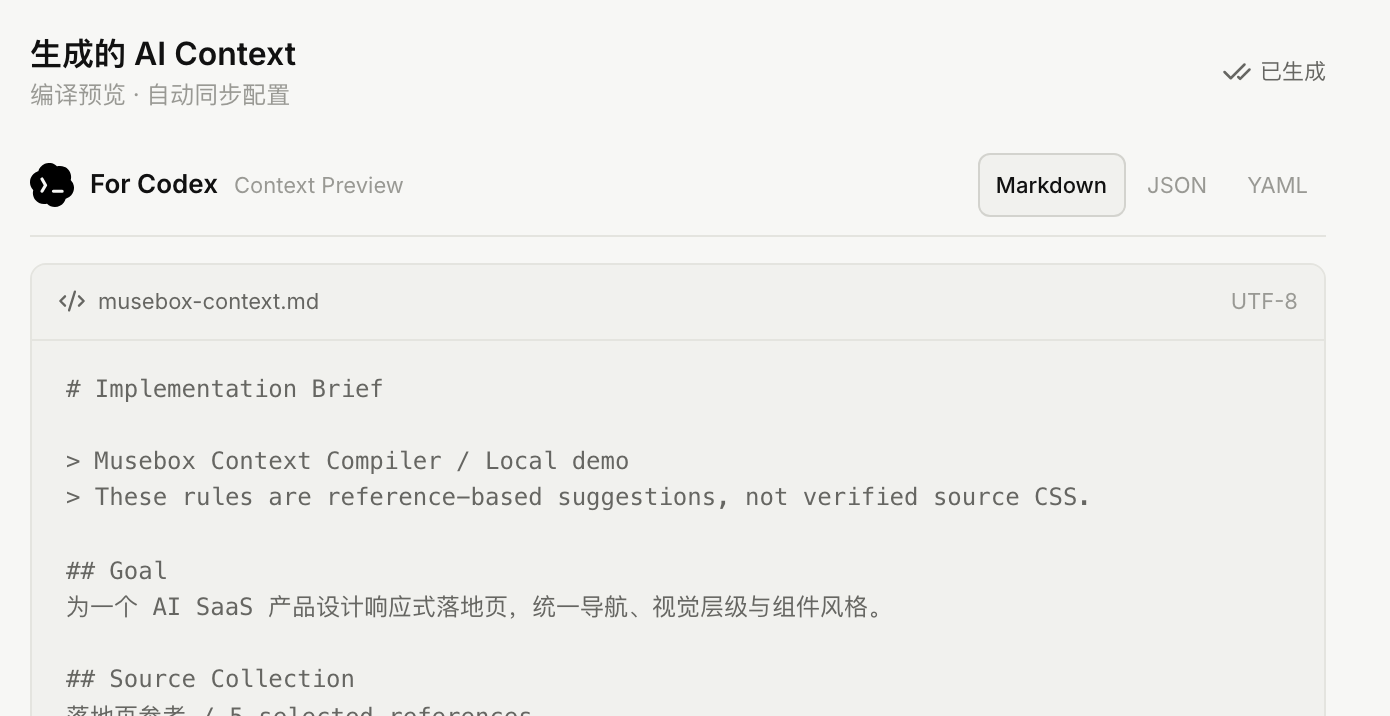
Musebox organises the design information it has extracted into structured AI context, so the design judgement behind a reference can enter a real development flow.
Let design intent keep working for you.
Musebox hopes to rebuild a more effective connection between design inspiration and AI creation: so design references can be understood, organised, and reused in future projects, instead of starting from scratch every time.